
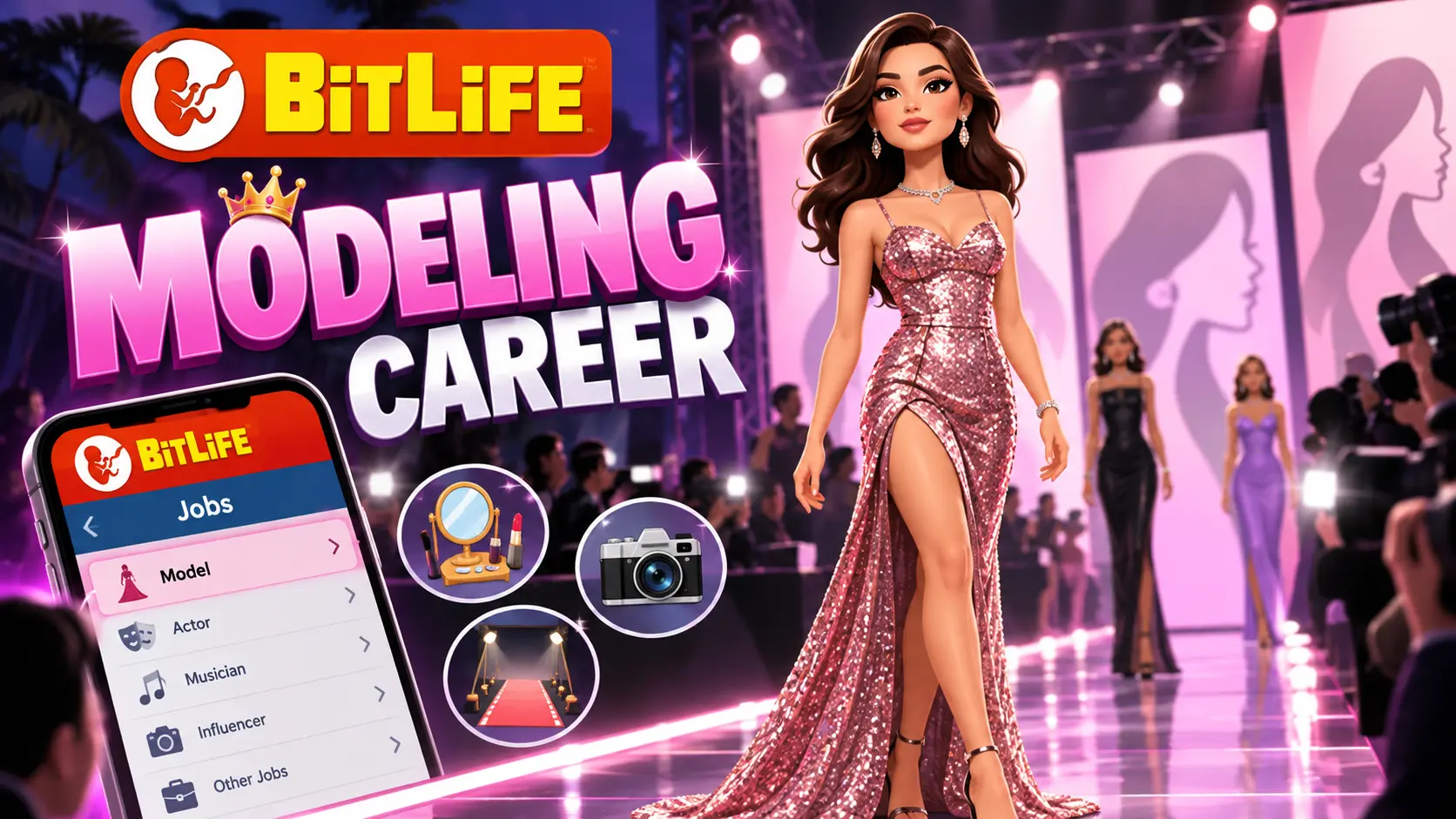
BitLife Modeling Career: How to Become a Model and Pass Auditions
Introduction
The modeling career in BitLife offers players a chance to explore the fashion industry, attend auditions, work with modeling agencies, and build a successful career. If you enjoy creating different life stories in this life simulation game, becoming a model can add an exciting new direction to your character’s journey.
However, getting started may require some preparation. Your character’s appearance, available career options, audition performance, and the features included in your game version can all affect your experience.
In this guide, you’ll learn how to pursue a modeling career in BitLife, prepare for auditions, understand common modeling test questions, improve your chances of progressing, and troubleshoot common problems.
If you’re new to the game, visit our complete guide to the BitLife game to learn more about its life simulation gameplay and available features.
How to Become a Model in BitLife
Before pursuing modeling, check which career and modeling options are available in your current game. Some modeling features may depend on the game’s version or an expansion pack.
If you prefer a larger screen for your gaming sessions, read our guide on how to play BitLife on PC and explore the available options.
Follow these general steps to get started:
- Create your character: Start a new life and review your character’s initial stats.
- Check your Looks stat: Appearance can be important when pursuing modeling-related opportunities. Improve it when suitable activities are available.
- Explore career options: Check the available job listings and modeling-related menus as your character grows older.
- Look for auditions or agency opportunities: If modeling options are available, follow the in-game instructions to apply.
- Complete the required tasks: Some opportunities may involve questions, auditions, or other career-related activities.
- Build your experience: Continue pursuing suitable opportunities and review your career progress.
The exact route may differ depending on your game version and the modeling features available to your character. If you cannot find a modeling option, check whether your version supports the relevant feature.
What Stats Do You Need to Become a Model in BitLife?
Your character’s stats can influence different aspects of life in BitLife. For modeling, Looks is an especially relevant stat to monitor.
1. Looks
Looks represents your character’s appearance and is commonly associated with modeling-related gameplay. A higher Looks stat may help when pursuing opportunities where appearance matters.
To improve it, check the available activities in your version of the game. Depending on the options provided, you may be able to use beauty-related services, visit a gym, or make other lifestyle choices.
Remember that not every activity directly increases Looks, and the available options may vary.
2. Happiness
Happiness reflects your character’s overall well-being. Although maintaining good general stats can support a smoother playthrough, do not assume that a particular Happiness level guarantees modeling success.
Keep your character’s needs and life events under control while working toward your career goals.
3. Health and Other Stats
Health and other character stats contribute to your overall life simulation experience. They may affect how you manage your character’s life, but they should not be treated as confirmed modeling eligibility requirements unless the game explicitly indicates otherwise.
Tip: There is no need to rely on an unverified rule such as needing exactly 70 or more Looks. Check the requirements shown in your own game rather than assuming one number works for every version.
BitLife Modeling Test Answers
Some modeling-related opportunities may ask you to respond to questions or adjust settings during an audition. The best response depends on the actual prompt and the choices available.
Unlike a simple career application, an audition may evaluate how your character responds to a situation or follows the instructions provided.
Common Modeling Audition Questions
The following examples illustrate professional approaches to common modeling situations. They are general preparation examples, not a verified list of exact BitLife test questions or guaranteed in-game answers.
| Example situation | Sensible approach |
|---|---|
| A client changes the schedule at the last minute | Respond professionally and consider the available options |
| A photographer suggests an uncomfortable pose | Respect your character’s boundaries and choose an appropriate response |
| You are preparing for an important shoot | Review the instructions and prepare in advance |
| An agency offers a new opportunity | Read the details and choose the response that best fits the situation |
These examples can help you understand the situations, but they should not be mistaken for confirmed answer keys.
Understanding Attitude, Poise, and Quirkiness
If your version of BitLife presents an audition interface with Attitude, Poise, and Quirkiness sliders, pay attention to the instructions and requirements for that specific opportunity.
- Attitude: Consider how your character presents themselves and responds to the situation.
- Poise: Think about composure, confidence, and the tone expected for the audition.
- Quirkiness: Consider whether the task calls for an unusual, creative, or more conventional presentation.
Do not automatically set every slider to its maximum or copy a random combination from another guide. The appropriate settings can depend on the audition prompt. If you want to create a reliable answer chart, record the exact prompt, your selected settings, and the result in your own game.
How to Improve Your Chances of Modeling Success
Building a modeling career requires more than finding an audition. Here are several practical ways to approach the process.
1. Improve Your Looks Stat
Check your character’s Looks regularly and use available activities that directly improve it. If one activity does not produce the expected result, review the available options rather than repeating it without checking.
2. Read Every Audition Prompt Carefully
Avoid choosing an answer simply because it sounds impressive. Review what the question is asking and follow the instructions provided by the game.
If the audition includes adjustable settings, treat each prompt individually instead of assuming the same settings work every time.
3. Explore Available Career Opportunities
Check the career menus, job listings, and any modeling-related features included in your version. If an agency or audition option appears, review its requirements before proceeding.
4. Track Your Career Progress
Pay attention to any changes in career status, available opportunities, or feedback shown by the game. This can help you understand which actions are useful and which areas may need attention.
5. Keep Your Character’s Life Balanced
BitLife includes many interconnected life events. Education, relationships, finances, and personal choices can all shape your character’s story.
Avoid making every decision solely for modeling. A balanced playthrough gives you more opportunities to explore different paths and enjoy the game.
Modeling Agencies, Freelance Gigs, and Fashion Shows
Modeling-related features can differ between the standard game and versions that include additional content. Depending on the features available, you may encounter agency applications, auditions, modeling jobs, or fashion-industry activities.
Modeling Agencies
An agency-related option may provide a route into modeling opportunities. If your game includes this feature, read the requirements carefully and follow the application process shown on screen.
Do not assume that every version uses the same agency system or that a particular stat guarantees acceptance.
Freelance Modeling Opportunities
Some modeling experiences may include individual jobs or gigs. If these appear in your game, review the available choices and their requirements before accepting an opportunity.
Use these activities to explore the modeling mechanics available in your version rather than assuming every player will receive the same offers.
Runway Shows and Fashion Week
Fashion shows and Fashion Week are associated with the expanded modeling experience in BitLife. Their availability depends on the relevant game content.
If you want to explore these features, check the in-game menus and the current official listing for information about available content and purchases.
How to Progress Toward Supermodel Status
Becoming a successful model and reaching the highest level of a modeling career are not necessarily the same thing. Career progression depends on the mechanics available in your game.
Use the following approach to make your playthrough more organized:
- Check the career requirements: Find out which stats, applications, or activities are relevant to your current opportunity.
- Prepare for auditions: Read each prompt and use the available settings carefully.
- Review feedback: Pay attention to the results of your decisions and any career information shown on screen.
- Continue exploring opportunities: Check for new modeling-related activities as your character progresses.
- Confirm your progress: Use the career information available in the game to see whether your status has changed.
There is no need to assume that a specific number of auditions or a fixed amount of time guarantees supermodel status. Follow the progression system available in your version of BitLife.
Common BitLife Modeling Career Problems and Fixes
If you cannot start or progress through a modeling career, check the following possibilities.
Modeling Is Missing From the Career Menu
The modeling option may not be available in your current game version, or you may be looking in the wrong menu.
What to do: Review the available career options and check whether your version includes the modeling feature you want to use.
Your Modeling Application Is Rejected
A rejection does not necessarily mean that your character can never become a model.
What to do: Review any requirements or feedback provided by the game. Check your Looks stat and try another suitable opportunity if one becomes available.
You Cannot Pass a Modeling Audition
You may have selected settings that do not match the current prompt, or you may be misunderstanding the task.
What to do: Read the prompt again and change your approach based on the instructions. If you are using an online answer chart, verify that it matches the same question and game version.
Fashion Week or Other Features Are Missing
Some modeling activities may belong to additional content rather than the standard game.
What to do: Check the current official game listing and the in-game purchase or expansion information before assuming the feature is available for free.
The Game Crashes or Modeling Options Do Not Work
Technical problems can occur for various reasons, including outdated software, device compatibility, or corrupted game data.
What to do: Check for official updates, restart the game, and review your device’s available storage. Back up supported game data before reinstalling, because local progress may not always be recoverable.
Does BitLife Modeling Require an Expansion Pack?
This depends on which modeling features you want to access.
BitLife has offered a Model Expansion Pack associated with its expanded modeling experience. Features such as auditions, agencies, runway opportunities, and Fashion Week may be associated with this additional content.
Availability, pricing, and included features can change. Check the current official store listing and the purchase options inside the game before paying for an expansion.
If your goal is simply to explore the standard life simulation, you do not need to assume that every modeling-related feature is included in the base game.
If you’re playing on an Apple device, check our guide to BitLife on iPhone and iPad for more information about the iOS version and its availability.
Frequently Asked Questions
How do I become a model in BitLife?
Check your character’s Looks stat, explore the available career options, and follow the modeling application or audition process if your version supports it. Requirements may vary with the game’s content.
What Looks stat do I need to become a model in BitLife?
Looks is relevant to modeling, but a universal minimum has not been established here. Check the requirements shown in your game instead of relying on an unverified numerical threshold.
Can you become a supermodel in BitLife?
The expanded modeling experience offers a route into the fashion industry. Your ability to progress toward higher modeling status depends on the features and progression mechanics available in your version.
Do you need a university degree to become a model in BitLife?
Do not assume that a university degree is required. Check the actual modeling application and career requirements displayed in your game.
How do I pass modeling auditions in BitLife?
Read each audition prompt carefully and follow the instructions. If Attitude, Poise, or Quirkiness settings appear, choose settings that fit the specific task rather than relying on one combination for every audition.
Why can’t I find the modeling career in BitLife?
The feature may be unavailable in your version, or you may need to access a different career menu. Check the official game listing and available in-game content for confirmation.
Is the BitLife Model Expansion Pack free?
Do not assume that the expansion is free. Check the current official store listing and in-game purchase details for the latest availability and price.
Can I play BitLife modeling career offline?
Offline availability depends on the version and the features you want to use. Check the game’s official listing and test the relevant features on your device rather than assuming every modeling activity works without an internet connection.
Interested in exploring a different kind of virtual life simulation? Check out our BitLife Dog guide to learn more about the dog-themed gameplay experience.
Final Thoughts
The modeling career in BitLife gives players another way to explore the game’s life simulation mechanics and create a different character story. Start by reviewing your character’s stats, checking which modeling features are available, and carefully following the requirements for each opportunity.
For better results, pay attention to audition instructions, review career feedback, and confirm which features belong to additional content. Because game mechanics can change between versions, use the information displayed in your own game as the final reference.
With a clear understanding of the available options, you can explore BitLife’s modeling experience and decide how it fits into your character’s life.