BitLife iOS – Download, Features, Gameplay & Installation Guide
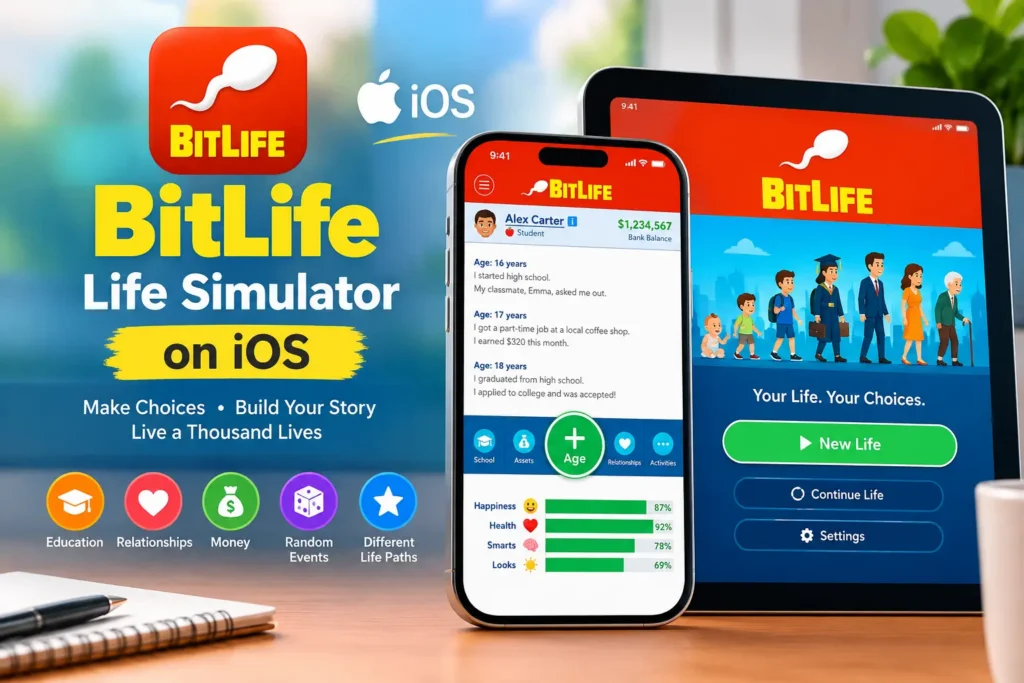
BitLife iOS is the official life simulation game available for compatible iPhone and iPad devices. Instead of following one fixed storyline, BitLife lets you create a virtual character and make decisions that shape their life. You can go to school, choose a career, manage money, build relationships, get married, start a family, and deal with unexpected events as your character grows older.
The game is built around choices and consequences, so every new life can turn out differently. Whether you want to create a successful career, build a family, become wealthy, or simply experiment with unusual decisions, BitLife gives you plenty of freedom.
This guide covers BitLife for iPhone and iPad, including its features, gameplay, official download method, compatibility, offline play, updates, common problems, and information about unofficial IPA or modified versions.
BitLife iOS at a Glance
| Information | Details |
| Game | BitLife – Life Simulator |
| Developer | Candywriter, LLC |
| Platform | iOS and iPadOS |
| Supported Devices | Compatible iPhone and iPad devices |
| Genre | Life Simulation |
| Distribution | Apple App Store |
| Controls | Touch |
| Internet | Depends on the feature |
| In-App Purchases | Available |
For the most accurate information about the current iOS requirement, app size, pricing, and update status, check the game’s current App Store listing before installation.
What Is BitLife iOS?
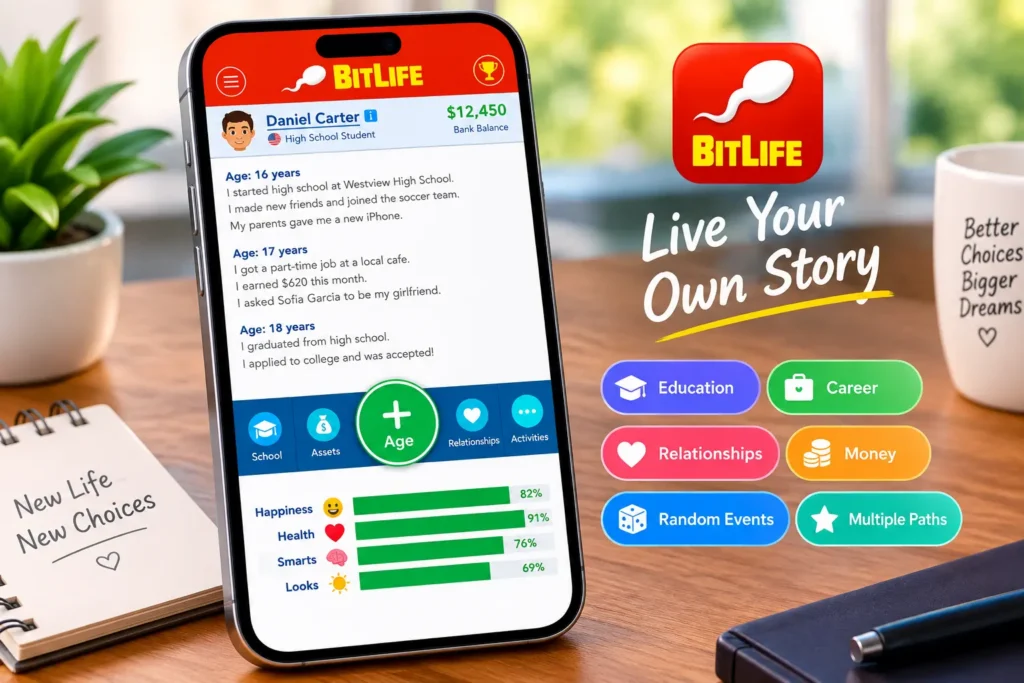
BitLife is a text-based life simulator that lets you control a character from birth through different stages of life. Rather than giving you a predetermined story, the game presents choices and situations that allow you to decide what happens next.
Your character can attend school, continue their education, find a job, build a career, make friends, date, get married, have children, buy things, manage finances, and make many other life decisions.
The results are not always predictable. A good decision can lead to a successful life, while an unexpected event or poor choice can completely change your character’s future. Once a life ends, you can start again and try a completely different approach.
The text-based design also makes BitLife easy to control. Most actions involve reading a situation and choosing an option rather than using complicated controls.
Is BitLife Available on iPhone and iPad?
Yes. BitLife is available for compatible iPhone and iPad devices through the Apple App Store.
The official App Store is the simplest and safest way to get the game on iOS. You do not normally need to download an IPA file or use a third-party installation method for the official version.
Because Apple can change device and software compatibility requirements over time, check the current App Store listing to confirm that your iPhone or iPad supports the latest release.
BitLife iOS Features
BitLife’s main appeal comes from the freedom to create different lives and see how your decisions affect the outcome.
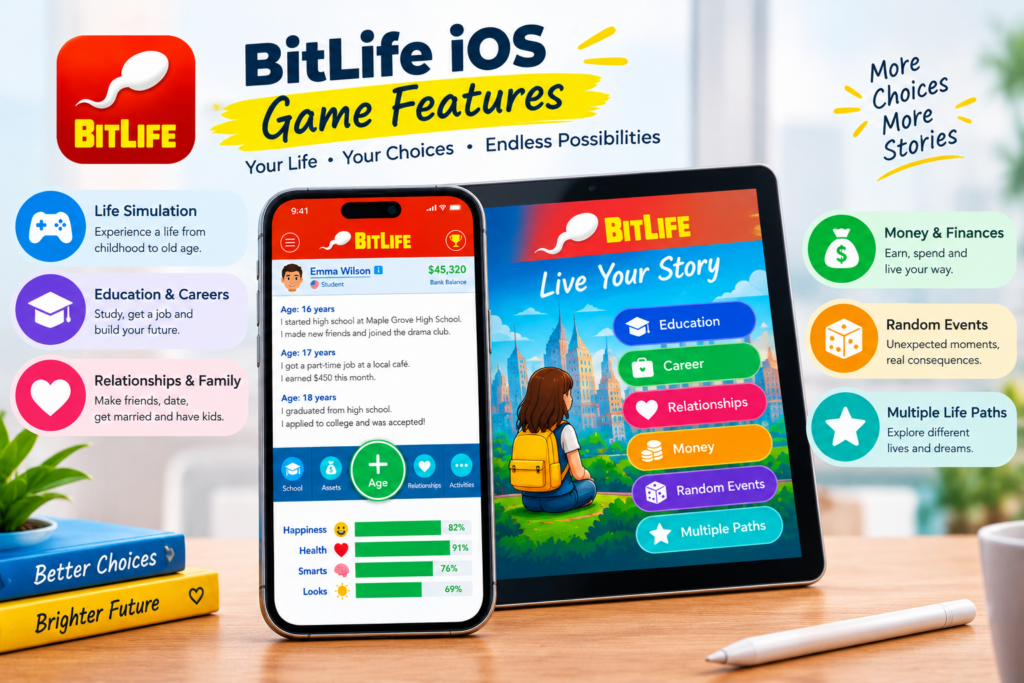
🎮 Life Simulation
BitLife lets you experience a virtual life from childhood through adulthood and old age. Your choices can affect important areas such as happiness, health, relationships, education, and finances.
🎓 Education and Careers
Education can shape your character’s future and open the door to different career opportunities. You can choose paths in medicine, law, entertainment, business, sports, and many other fields.
❤️ Relationships and Family
Relationships are an important part of the BitLife experience. You can make friends, date, get married, have children, interact with family members, and experience the results of your choices.
💰 Money and Finances
Managing finances adds another layer to the life simulation. Your character can earn money, spend it on different needs, make purchases, and make financial decisions that influence their lifestyle.
🎲 Random Events
Not every life goes according to plan. Random events and unexpected situations can appear as your character gets older. These moments may create new opportunities or bring unexpected challenges.
🌟 Multiple Life Paths
BitLife gives you the freedom to create different types of lives. You can focus on education and career, build a family, become wealthy, explore different lifestyles, or make unusual choices just to see what happens.
Each new life gives you another opportunity to try a different path and experience a new story.
How to Download BitLife on iPhone or iPad
If you want the official version of BitLife, downloading it from the App Store is the recommended method.
Steps to Install BitLife on iOS
- Open the App Store on your iPhone or iPad.
- Search for BitLife – Life Simulator.
- Check that the developer information matches the official listing.
- Review the app’s compatibility, price, and in-app purchase information.
- Tap Get or the download button shown on the listing.
- Confirm the installation with Face ID, Touch ID, your Apple ID, or device passcode if required.
- Wait for the installation to complete.
- Open BitLife and create a new life.
Using the official App Store helps reduce the risks associated with unknown third-party downloads and also makes future updates much easier.
BitLife iOS System Requirements
The exact requirements for BitLife can change when the developer releases new updates. For that reason, the current App Store listing should be treated as the most reliable source for compatibility information.
Before installing, check:
- Your iPhone or iPad model
- Required iOS or iPadOS version
- Available storage
- Current app compatibility
- Internet requirements for features that need online access
- Current pricing and in-app purchases
If your device is running an older version of iOS or iPadOS, an update may be necessary before you can install or use the latest version.
How to Play BitLife on iPhone
After launching BitLife, you start with a new character and progress through their life one decision at a time.
A typical life can include:
- Growing up through childhood and teenage years
- Going to school
- Continuing education
- Choosing a career
- Earning and managing money
- Making friends
- Dating and building relationships
- Getting married
- Having children
- Managing health and happiness
- Responding to unexpected situations
- Growing older and eventually completing the character’s life
The fun comes from experimentation. Two characters can make completely different choices and end up with very different lives.
BitLife on iPhone vs. iPad
The core gameplay is available on both iPhone and iPad, so the main difference for many players is the screen size and overall viewing comfort.
If you prefer playing on a larger screen, you can also learn how to play BitLife on PC using a Windows or Mac computer.
| Feature | iPhone | iPad |
| BitLife available | Yes, on compatible devices | Yes, on compatible devices |
| Touch controls | Yes | Yes |
| Text-based gameplay | Yes | Yes |
| Screen size | Smaller | Larger |
| App Store installation | Yes | Yes |
Because BitLife relies heavily on text and menus, some players may find the larger iPad display more comfortable, while an iPhone is convenient for playing anywhere.
Is BitLife Free on iOS?
BitLife can be downloaded through the App Store, while some premium content and optional in-app purchases may require payment.
Pricing and available purchases can change, so check the current App Store listing before downloading if cost is important to you.
The App Store listing also provides the latest information about whether a particular feature, subscription, or piece of content requires payment.
Can You Play BitLife Offline on iPhone?
You do not necessarily need a continuous internet connection for every part of BitLife. However, some features or services may require internet access.
For example, online services, purchases, advertisements, account-related functions, or newly delivered content may behave differently when your device is offline.
If something is not working correctly without an internet connection, reconnect to the internet and try again.
BitLife iOS Updates
BitLife receives updates that can add new content, fix bugs, improve performance, and maintain compatibility with newer versions of iOS and iPadOS.
Instead of relying on an old version number from a third-party website, check the official App Store listing for the current version and update history.
How to Update BitLife on iPhone
- Open the App Store.
- Tap your account/profile area.
- Check the available updates.
- Find BitLife in the list.
- Tap Update if an update is available.
Keeping the game updated can help resolve bugs and compatibility problems, particularly after major iOS updates.
What Is a BitLife IPA on iOS?
You may find websites offering BitLife IPA, hacked versions, or modified versions for iPhone and iPad. These are unofficial versions and are different from the application distributed through Apple’s App Store.
An IPA file is an iOS application package, but simply having an IPA does not mean it can be installed in the same way as an App Store application. Third-party installation methods may involve signing services, certificates, developer accounts, or other tools.
Unofficial installations can also create additional problems, including:
- Expired or revoked signing certificates
- Compatibility issues
- Privacy concerns
- Unreliable third-party sources
- Apps suddenly stopping after certificate revocation
- Manual update requirements
For normal BitLife gameplay, the official App Store version is generally the safer and more reliable choice.
Official BitLife vs. Unofficial iOS Versions
| Factor | Official App Store Version | Unofficial IPA/Mod |
| Source | Apple App Store | Third-party source |
| Installation | Standard App Store process | May require additional tools |
| Updates | App Store | May require manual updating |
| Security | Easier to verify | Depends on the source |
| Compatibility | Intended for supported devices | Compatibility can vary |
| Reliability | Generally more stable | Can stop working because of signing issues |
If stability, security, and easy updates are your priorities, the official App Store release is the better option.
Common BitLife iOS Problems and Fixes
BitLife Is Not Installing
First, check that your device meets the current App Store requirements and has enough available storage.
Also make sure your internet connection is stable. If the installation remains stuck, restarting the device and trying again may help.
BitLife Keeps Crashing
Try closing and reopening the game. If the issue continues, restart your iPhone or iPad and check for available BitLife or iOS updates.
If the problem started immediately after an update, checking the latest developer information may also be useful.
BitLife Is Not Updating
Open the App Store and check for available updates. If BitLife does not appear, verify your internet connection, storage space, and device compatibility.
BitLife Is Running Slowly
Close unnecessary applications, restart your device, and make sure BitLife and iOS or iPadOS are reasonably up to date.
If your device has very little free storage, clearing some space may also improve general performance.
An Unofficial IPA Has Stopped Working
Third-party iOS installations can depend on signing certificates or external installation services. If an unofficial IPA suddenly stops opening, its signing method may have expired or been revoked.
The official App Store version avoids many of these third-party signing problems.
Tips for a Better BitLife Experience
BitLife becomes more interesting when you experiment instead of trying to follow the same strategy every time.
If you want to explore a different type of life-simulation experience, you can also check our BitLife Dog guide.
Here are some simple tips:
- Pay attention to your character’s health and happiness.
- Think about education before choosing a long-term career.
- Manage money instead of spending everything immediately.
- Take relationship decisions seriously because they can affect your character’s life.
- Try different careers in separate lives.
- Read random events carefully before selecting an option.
- Experiment with different lifestyles.
- Start a new life when you want to try a completely different strategy.
There is no single perfect way to play BitLife. The goal is to see where your decisions take your character.
Frequently Asked Questions
Is BitLife available on iPhone?
Yes. BitLife is available through the Apple App Store for compatible iPhone devices.
Can I play BitLife on iPad?
Yes. BitLife is available for compatible iPad devices. Check the current App Store listing for the latest compatibility requirements.
How do I download BitLife on iPhone?
Open the App Store, search for BitLife – Life Simulator, verify the developer and app information, and tap the download button. Follow the on-screen instructions to complete the installation.
Do I need an internet connection to play BitLife?
Not necessarily for every part of the game. Some gameplay can work without a continuous connection, while certain features and online services may require internet access.
Is BitLife free on iOS?
BitLife can be downloaded through the App Store, but some premium content or optional purchases may require payment. Check the current App Store listing for the latest pricing information.
Can I install BitLife IPA on an iPhone?
Unofficial IPA files can be distributed through third-party installation methods, but they are not the standard App Store installation method. They can involve signing, compatibility, privacy, and reliability risks.
Is there an official BitLife MOD for iOS?
The official BitLife iOS application is distributed through the Apple App Store. Modified or hacked IPA files found on third-party websites are unofficial and should not be confused with the official release.
How do I update BitLife on iPhone?
Open the App Store, go to your available updates, find BitLife, and select Update if a newer version is available.
Why is BitLife not working on my iPhone?
Start by checking your device compatibility, available storage, internet connection, and installed BitLife version. Restart the device and install any available updates. If the problem continues, check the latest information from the official App Store listing or developer.
Final Thoughts
BitLife iOS provides a flexible life simulation experience for compatible iPhone and iPad devices. Its simple text-based gameplay lets you make decisions about education, careers, relationships, money, family, and many other aspects of virtual life.
The biggest attraction is that there is no single path to follow. You can build a successful career, create a family, experiment with different lifestyles, or simply start a new life and make completely different choices.
For most players, the official App Store version is the recommended way to play BitLife on iPhone or iPad. It offers a straightforward installation process, easier updates, and fewer of the signing and compatibility problems that can affect unofficial IPA or modified versions.
Before installing, always check the current App Store listing for the latest compatibility, pricing, and update information.